Join the beta
Play MVP Career: Golf before launch. Enter the email on your Meta account and we will send you an invite through Meta.
You're on the list
We have your request for . Watch that inbox for an email from Meta, then follow the steps below.
What you'll be playing
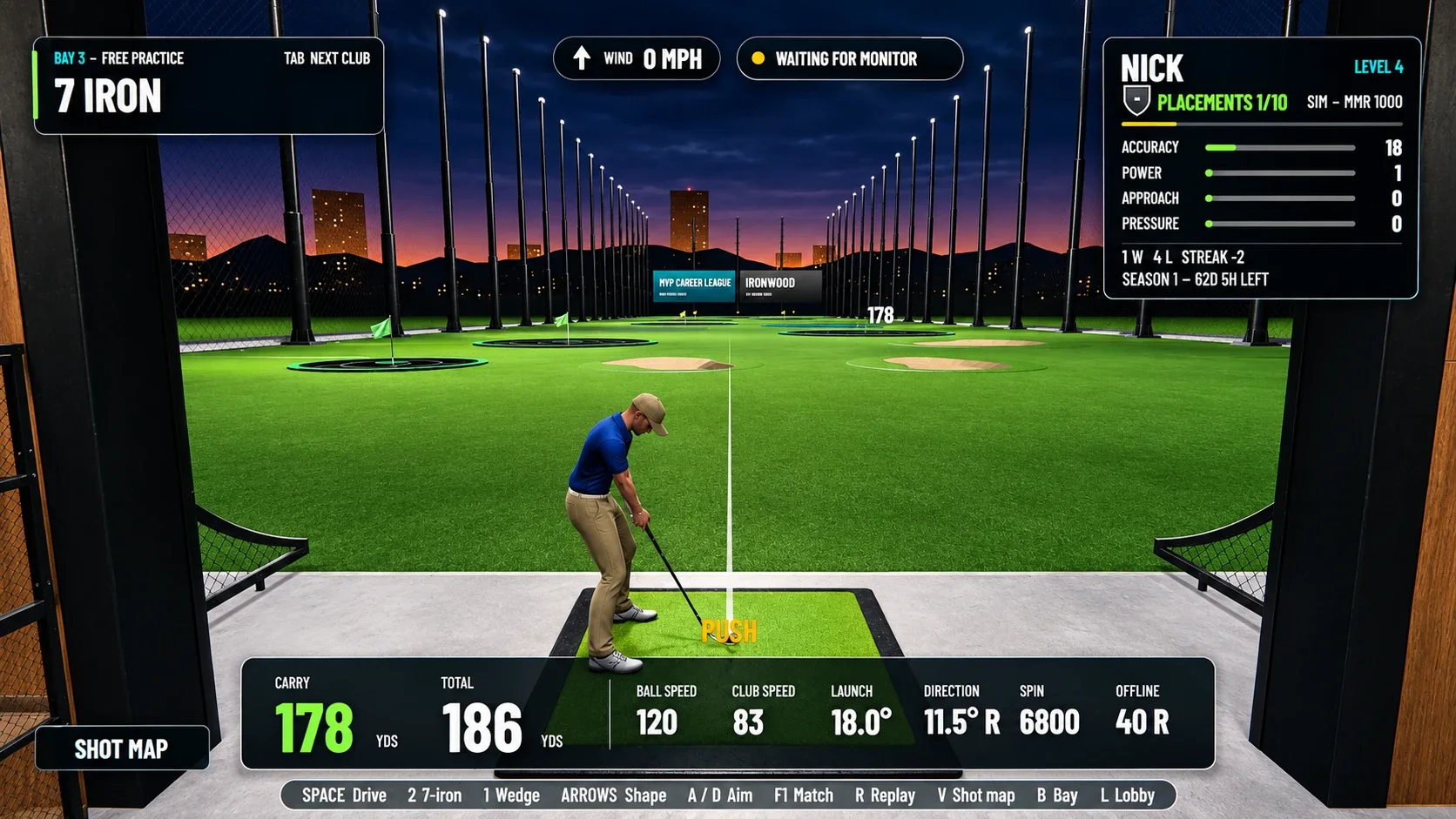
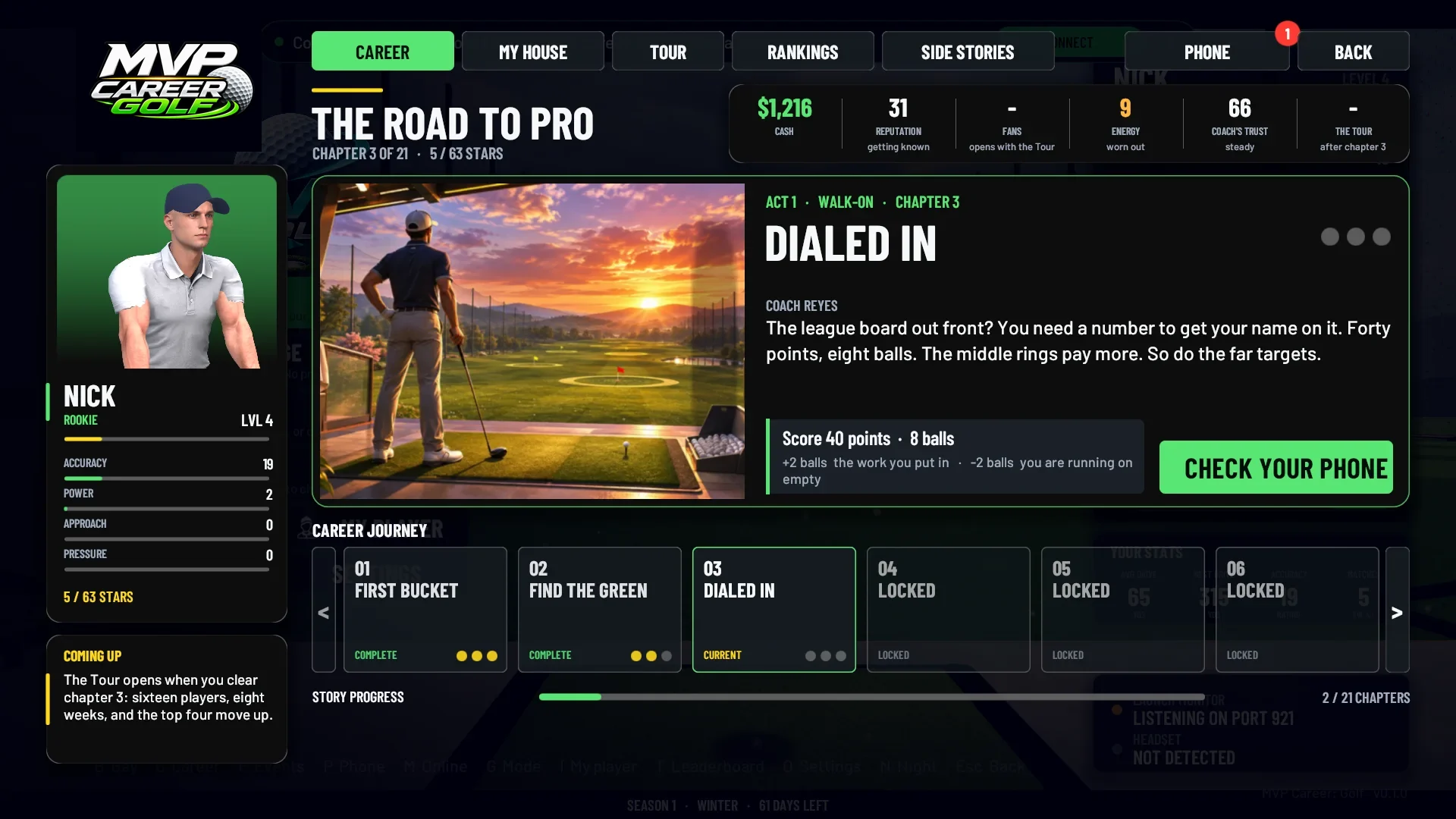
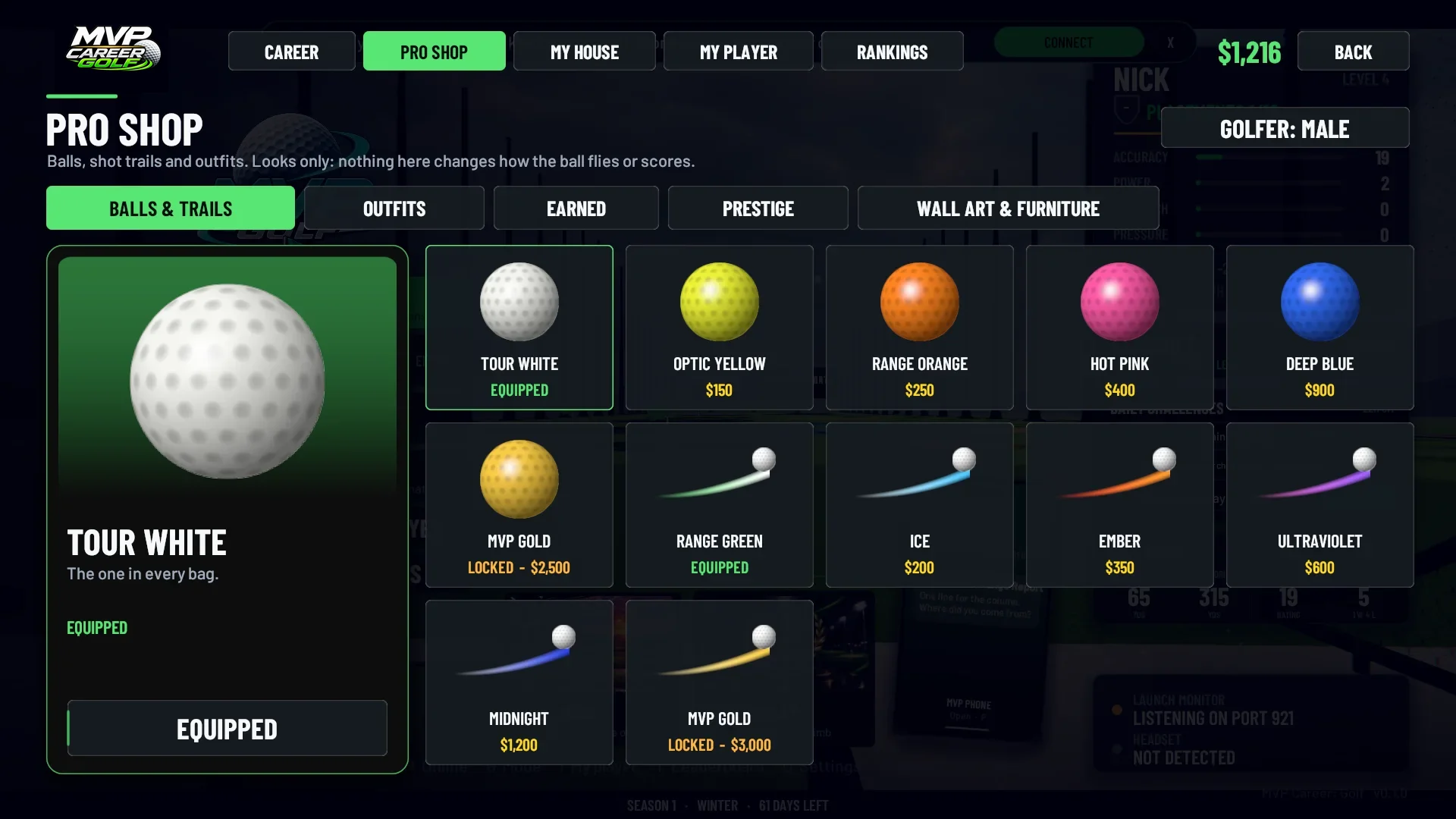
Send us the email on your Meta account.
Meta emails you an invitation to the MVP Career: Golf beta. Invites go out in batches, so it can take a few days.
Open the email, accept the invite, then find MVP Career: Golf in your headset's library and install it.
Which email should I use?
The one on the Meta account you use on your Quest. You can check it in the Meta Horizon app under your account settings. If you use a different address, the invite will not reach your headset.
I have not received an invite
Invites are sent in batches. Check your spam folder for an email from Meta. If it has been more than a week, email hello@pwnedstudio.com from the same address.
What do I need?
A Meta Quest headset and a Meta account. A launch monitor is optional.
Is the beta the finished game?
No. Expect bugs and changes, and progress may be reset before launch. Tell us what you find in the Discord. You can also wishlist MVP Career: Golf to be told when it launches.